Assistants (MCP)
Assistants and MCP
But if you already use an assistant, you are probably telling it things worth keeping — the school group says card stock on Monday, the invoice is due on…
Tisty is not AI and has none inside. The natural language that turns «call the bank at 3» into a task is rules running on your machine: no model, no request, no cloud. That is not going to change.
But if you already use an assistant, you are probably telling it things worth keeping — the school group says card stock on Monday, the invoice is due on the 30th, the bug you just fixed and how. So Tisty leaves a door, and you decide whether to use it.
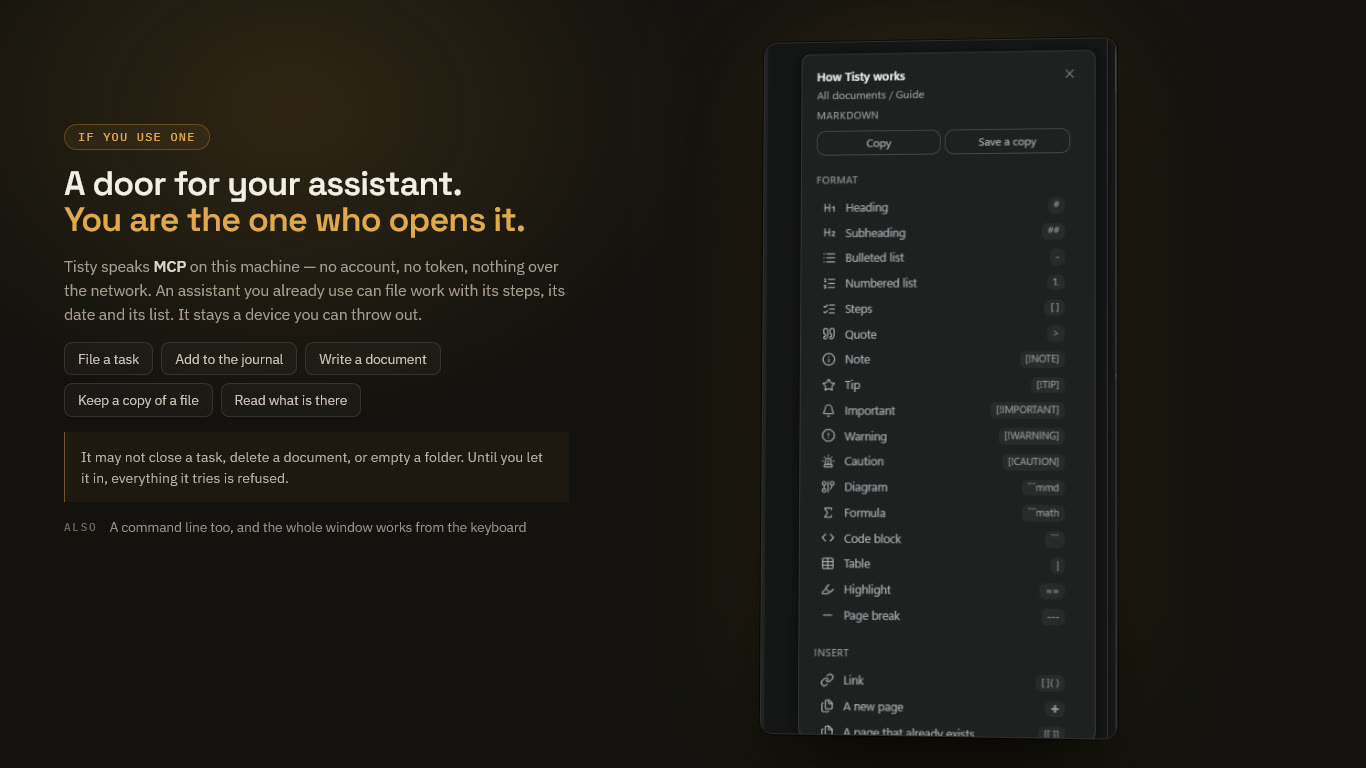
How the door works
Tisty speaks MCP through the tisty mcp command, over its own standard input and output:
- On this machine only. No port, no account, no token. It is not a server, and nothing can reach it from the network.
- Nothing listens until you connect it. The assistant starts
tisty mcpwhen it needs it. - You let it in. The assistant shows up in Settings › Assistants as a device you have to admit. Until you do, everything it tries is refused. Admitting it is written into your log, so you can see when it happened, and you can throw it out at any time.
Tisty is listed in the official MCP registry as io.github.rgdevment/tisty.
Connecting an assistant
From Settings (the easy way)
Settings › Assistants lists the assistants already installed on this computer and connects the one you pick. It writes a single line into that assistant’s own settings, leaves the rest of the file as it was, and keeps a copy of how it was before.
By hand
For an assistant Tisty does not know, one line does it:
$ <your-assistant> mcp add tisty -- tisty mcpFor example, with Claude Code:
$ claude mcp add tisty -- tisty mcpClients configured with a JSON file take the usual shape:
{
  "mcpServers": {
    "tisty": { "command": "tisty", "args": ["mcp"] }
  }
}
Then open Tisty, go to Settings › Assistants, and let the new device in. From a terminal, tisty agent --on does the same — and it asks you on the terminal first, so a shell with no one at the keyboard cannot let itself in.
What it can do, in short
File a task with its steps and its date, set a reminder, add to a task’s journal, write and edit documents, file them into folders and pages, keep a copy of a file you point it at, search and read what is there — and say a task it filed is done, for you to confirm.
It can never close or delete a task, delete a document, touch a task you wrote (unless you open it to agents), or move a day you set.
The full rules are in What an assistant may do, and every tool is in the tools reference.
Signed by name
What an assistant writes is signed with the name of the program it spoke through — «by Claude Code», «by Codex» — in the row, the detail and the journal. Settings › Assistants counts what each one wrote. What was written before programs said their name reads «by an assistant».
It reads sparingly
Tisty keeps a small card for each document — its headings, how long it is, what it leans on — worked out from the text itself, on this machine, and never sent anywhere. An assistant reads that card to pick the document it needs, then asks for only the part it wants, or changes that part without reading the rest. A long document is not poured into a model because an assistant wanted one paragraph of it.
Having read a document, it can leave a short summary for the next assistant — kept on this machine, never synced, and not part of what you wrote.
The one thing worth knowing before you open it
Warning Whatever an assistant reads travels wherever that assistant travels. If it runs against a cloud service, what it looks at is on its way to that service. Tisty still sends nothing and has no server — but this door is real, and it is the only thing in Tisty that can carry your data off the machine. That is why it stays shut until you open it, and why closing it is one click.
The command line is yours, not the assistant’s
An assistant with a shell could type tisty done 3 the day its MCP server is not connected and act as you, or run tisty agent --on to let itself in. So tisty looks at who is at the keyboard before it opens anything, and refuses every command but tisty mcp when a coding assistant is driving it — by the marks its environment carries, by what sits above it in the process tree, or by an editor above it and no terminal at all. The refusal is written for the assistant that reads it: go through the server, or tell the person it is down.
It is a heuristic, and an honest one: the same user in the same shell cannot be told apart with certainty. Where your assistant’s client can block a command before it runs — a hook, a rule — that is the layer that does not depend on Tisty; this is the floor beneath it.